PCs & Printing
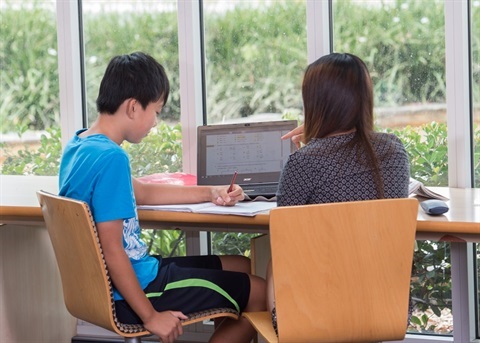
Computers & WiFi
There are a number of computers available for use in the Library and all you need to log in is your library card and PIN.
Computer use is limited to two hours per person per day, with each session limited to one hour.
If you are not a member, you are welcome to use a guest pass to log into our public computers. Simply ask staff at the desk and present a photo ID.
Bring your own device and connect to the Library's free wireless Internet LibrariesSA-Free.
This is a public WiFi network and has a daily download limit of 5Gb.
Printing & Photocopying
Black and White, and colour printing/photocopying is available. You can print from our public PCs, from a USB drive, or from your own device using mobile printing, as detailed below.
| Print type |
Cost per sheet |
| A4 Black & White |
20c |
| A4 Colour |
$1 |
| A3 Black & White |
40c |
A3 Colour
|
$2 |
Scanning
Scanning is FREE and can be sent to your email address OR saved to your USB drive.
Mobile Printing
This service allows you to use the Library's printers from your own device.
Method 1: Web Browser
Best for printing a file you can locate easily from your device.
Also gives more flexible print options.
Go to: print.libraries.sa.gov.au and follow the prompts to upload your file/s.
You will need your library card number and PIN to log in.
Method 2: Email
Best for printing a file you've been emailed.
Email documents to: webprint@libraries.sa.gov.au.
You will receive an email back with a unique Job ID for your printing.
If your Library account uses the same email address, you may be able to print the job using your Library card. Otherwise, you can enter the Job ID at our printing kiosk.
Our friendly staff are always happy to provide any assistance you may require.